












Spotify
Music and Podcasts
 Trusted
 7.1+
7.1+

 PEGI-3
Description of Spotify: Music and Podcasts
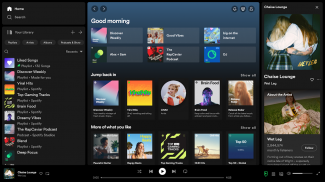
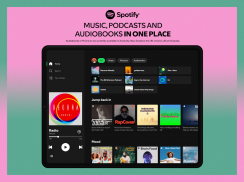
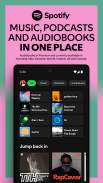
Spotify is a digital media streaming service that provides access to a vast catalog of music, podcasts, and audiobooks. The app is available for the Android platform, allowing users to download Spotify to enjoy a wide range of audio content. With over 80 million songs and 4 million podcasts, along with an extensive collection of audiobooks, Spotify caters to diverse listening preferences.
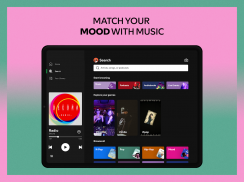
Users can explore an array of features that enhance their listening experience. The app allows individuals to discover new music, albums, and playlists, as well as original podcasts from a variety of genres. The search function enables users to find their favorite songs or artists simply by typing in a lyric. This feature makes it easy to reconnect with songs that may have slipped their minds.
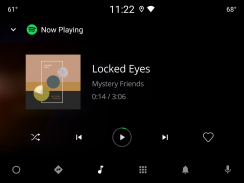
Spotify's sound quality is notable, providing a consistent listening experience across all devices. Whether on mobile, tablet, desktop, PlayStation, Chromecast, or TV, the app ensures that users enjoy high-quality audio. For those who appreciate personalized content, Spotify offers daily music mixes tailored to individual tastes, making it easier to discover new favorites.
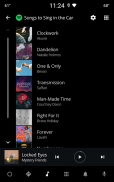
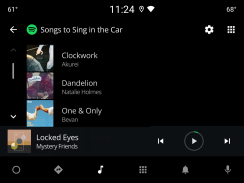
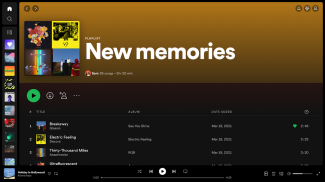
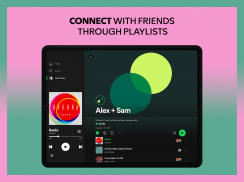
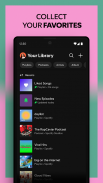
The app stands out by allowing users to create and share their own music playlists, which can reflect their mood or preferences. Users can also explore playlists curated by others, broadening their musical horizons. Additionally, the platform offers the ability to bookmark individual podcasts into Playlists, creating a customized library of audio content.
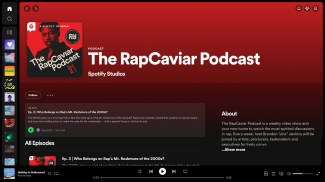
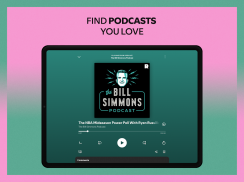
For podcast enthusiasts, Spotify provides the option to subscribe to favorite shows, ensuring that users never miss an episode. This functionality allows for easy access to new content as it becomes available. Moreover, users can curate their own podcast library, organizing shows according to personal interests.
Spotify also offers a premium subscription service, which enhances the user experience further. Premium subscribers can listen to albums and playlists without interruptions from ads, providing a seamless listening experience. Offline listening is another benefit of the premium service, enabling users to download content for enjoyment without needing an internet connection.
With multiple subscription options available, including Individual, Duo, Family, and Student plans, Spotify caters to various user needs. There is no long-term commitment required, allowing users to cancel their subscriptions at any time. This flexibility appeals to users who may wish to explore the service before fully committing.
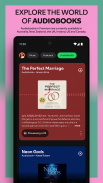
Audiobooks have recently been integrated into the Spotify experience, with over 300,000 titles available for premium subscribers in select regions. This addition allows users to enjoy storytelling alongside their preferred music and podcasts. Premium Individual subscribers can access up to 15 hours of audiobook listening per month, providing a new avenue for entertainment.
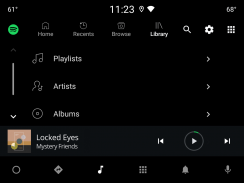
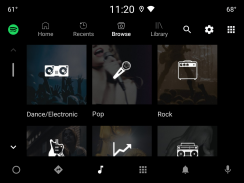
The app's design prioritizes user-friendliness, making it accessible for a wide range of individuals. With an intuitive interface, users can easily navigate through various sections, including music, podcasts, and audiobooks. The layout is organized and straightforward, facilitating a pleasant user experience.
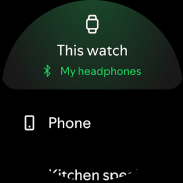
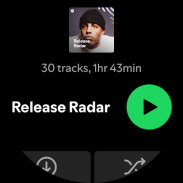
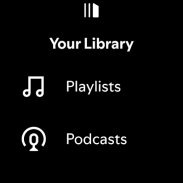
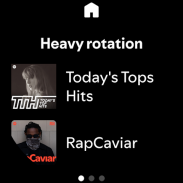
Listening to Spotify on Wear OS devices is another innovative feature that enhances convenience. Users can enjoy their favorite music and podcasts without needing to carry their phones. Playback control is available on these devices, allowing for easy management of audio content. Premium subscribers also have the option to download their favorite content for offline listening on their Wear OS devices.
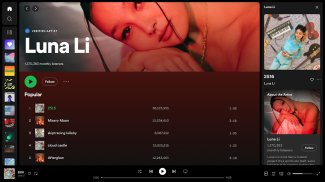
Spotify continually updates its catalog, ensuring that users have access to the latest music from popular artists. Current trending artists include Bad Bunny, Billie Eilish, Renzo Pianciola, The Temper Trap, and Harry Styles, among others. This extensive range of artists adds to the platform's appeal, catering to various musical tastes.
The app incorporates Nielsen’s audience measurement software, which enables users to contribute to market research. Users have the option to opt-out of this feature within the app settings, providing them with control over their participation in data collection.
Spotify’s dedication to providing a comprehensive audio experience is evident in its expansive offerings. By combining music, podcasts, and audiobooks, the app creates a versatile platform that meets the needs of a diverse audience. With the option to download Spotify on the Android platform, users can easily engage with the extensive content available.
The combination of personalized playlists, high-quality audio, and a wide array of content ensures that Spotify remains a leading choice for audio streaming. Its commitment to user satisfaction and innovative features positions it as a prominent player in the digital media landscape, allowing individuals to discover, enjoy, and share their favorite audio content seamlessly.
Spotify: Music and Podcasts - Version 9.0.46.493
(19-05-2025)

Spotify: Music and Podcasts - APK Information
APK Version: 9.0.46.493Package: com.spotify.musicLatest Version of Spotify: Music and Podcasts


Other versions


















 4.28
4.28


 4.63
4.63

Apps in the same category









You may also like...